
Everyone uses Claude Code the same way. But there are 10 shortcuts almost nobody knows, and they'll change how you work in the terminal. Here's the full list with Mac and Windows keys, plus what you'll see on screen when you use each one.
10 Claude Code Shortcuts Almost Nobody Knows

Shift+Tab Lets You See the Plan First
Press shift+tab until the status bar says plan mode. Claude tells you the plan before it touches anything. On some Windows setups, alt+m works too.
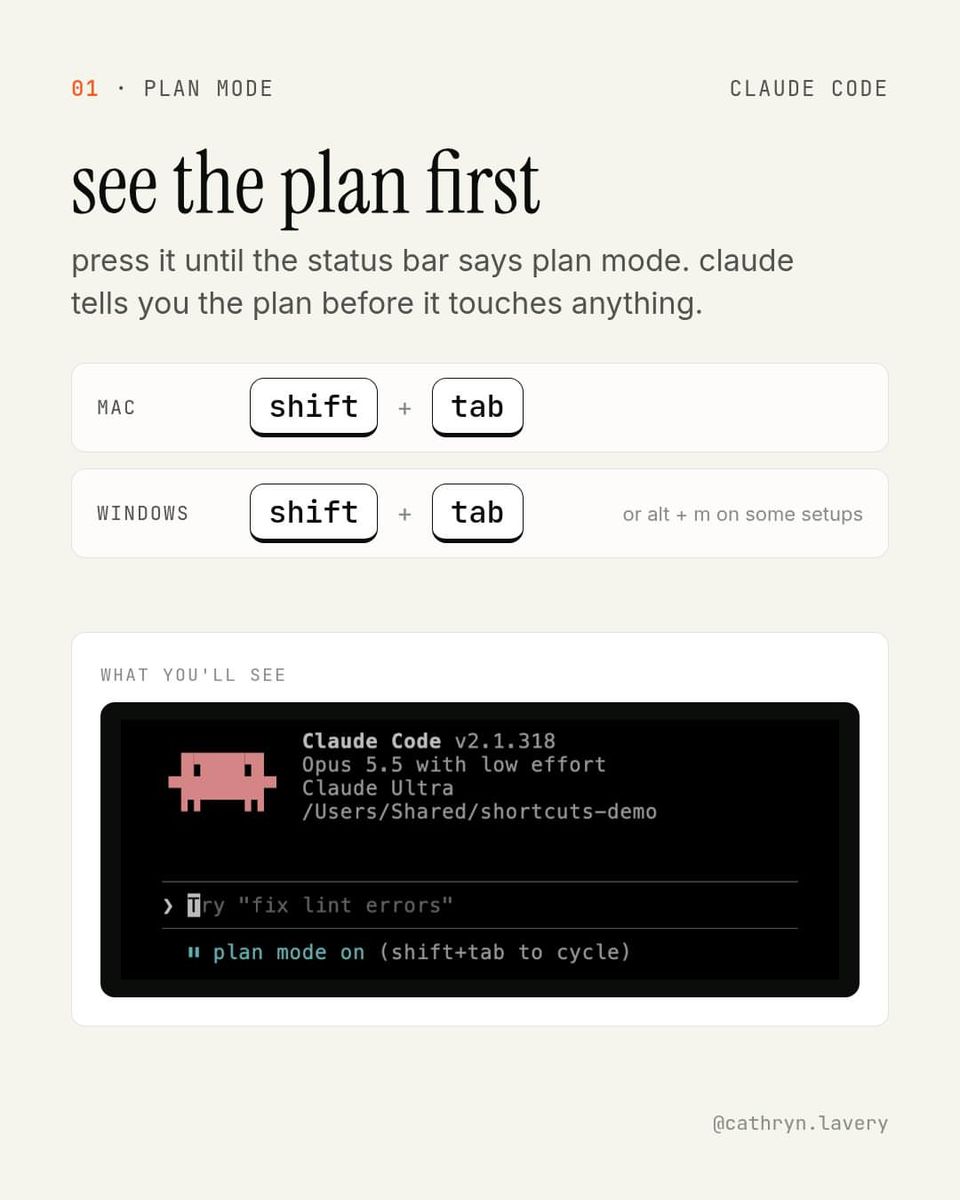
Plan mode shows you what Claude will do before it does it
Esc Stops Claude Mid-Answer
Claude stops right away and keeps the work it already did. Same key on Mac and Windows.
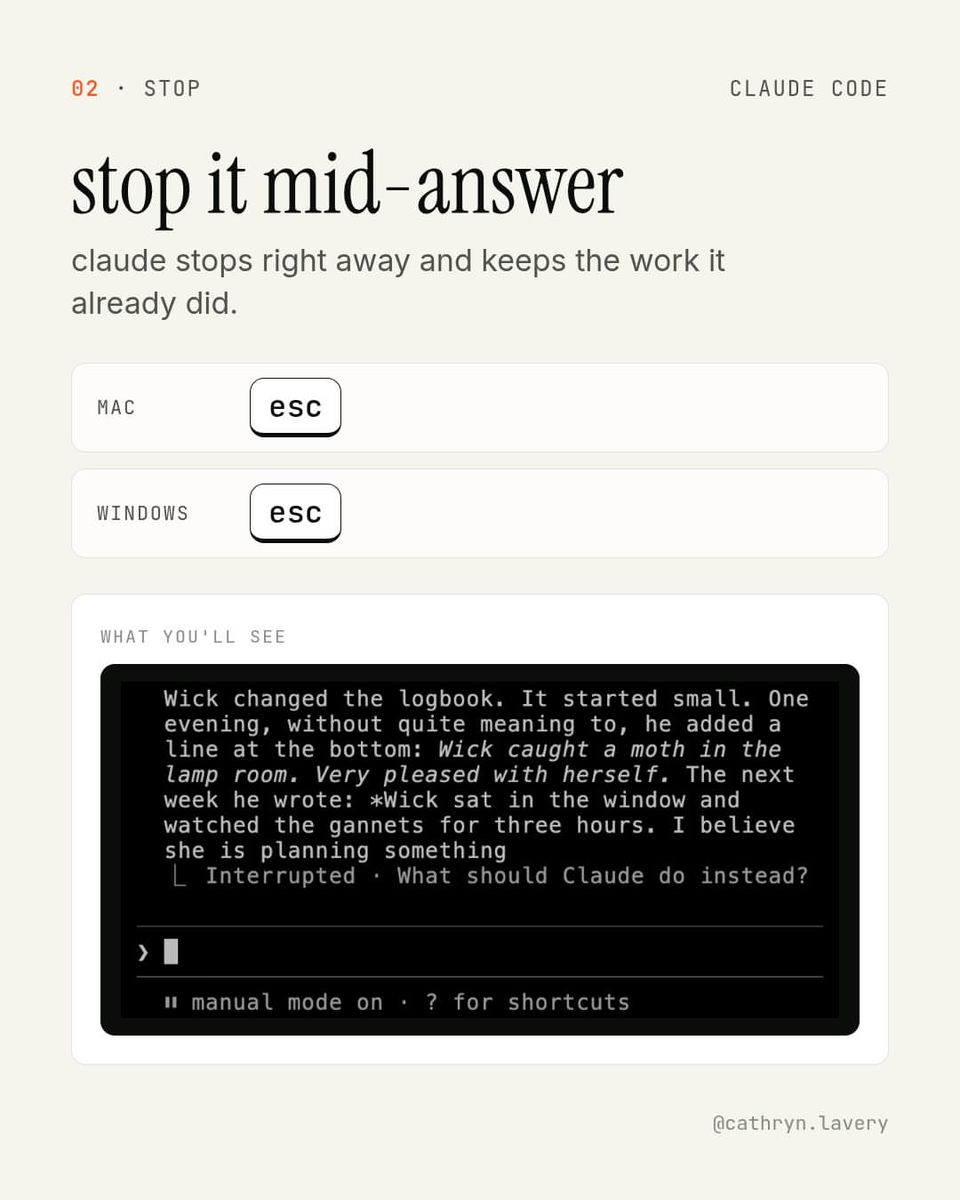
Stop it whenever you want without losing progress
Esc Esc Rewinds the Conversation
On an empty prompt, press esc twice to open the rewind menu and jump back to before it went off track.
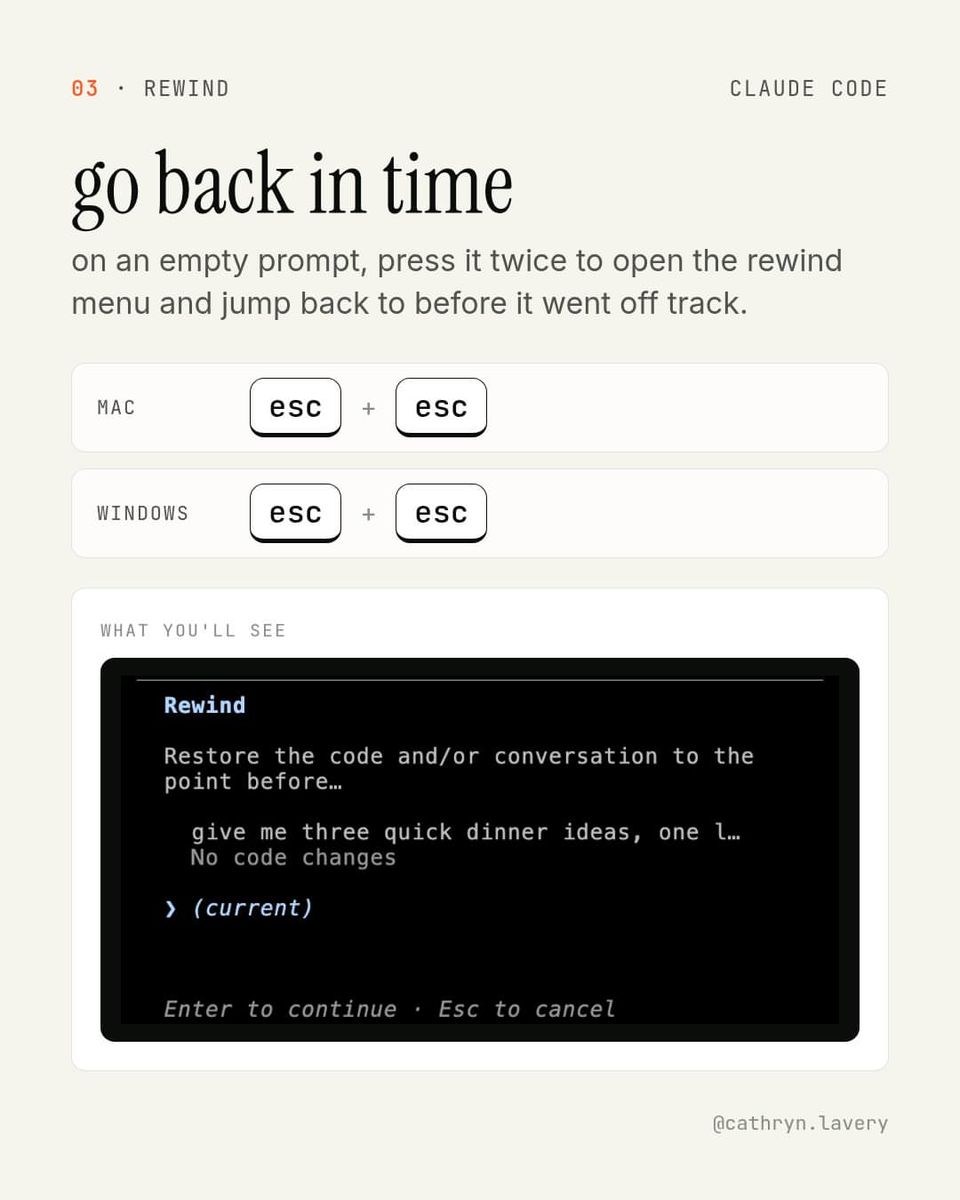
Go back in time to fix a wrong turn
Ctrl+V Pastes a Screenshot
Copy a screenshot, then paste it straight into your prompt. On Mac it's ctrl+v. On Windows, alt+v. In iTerm2, use cmd+v.
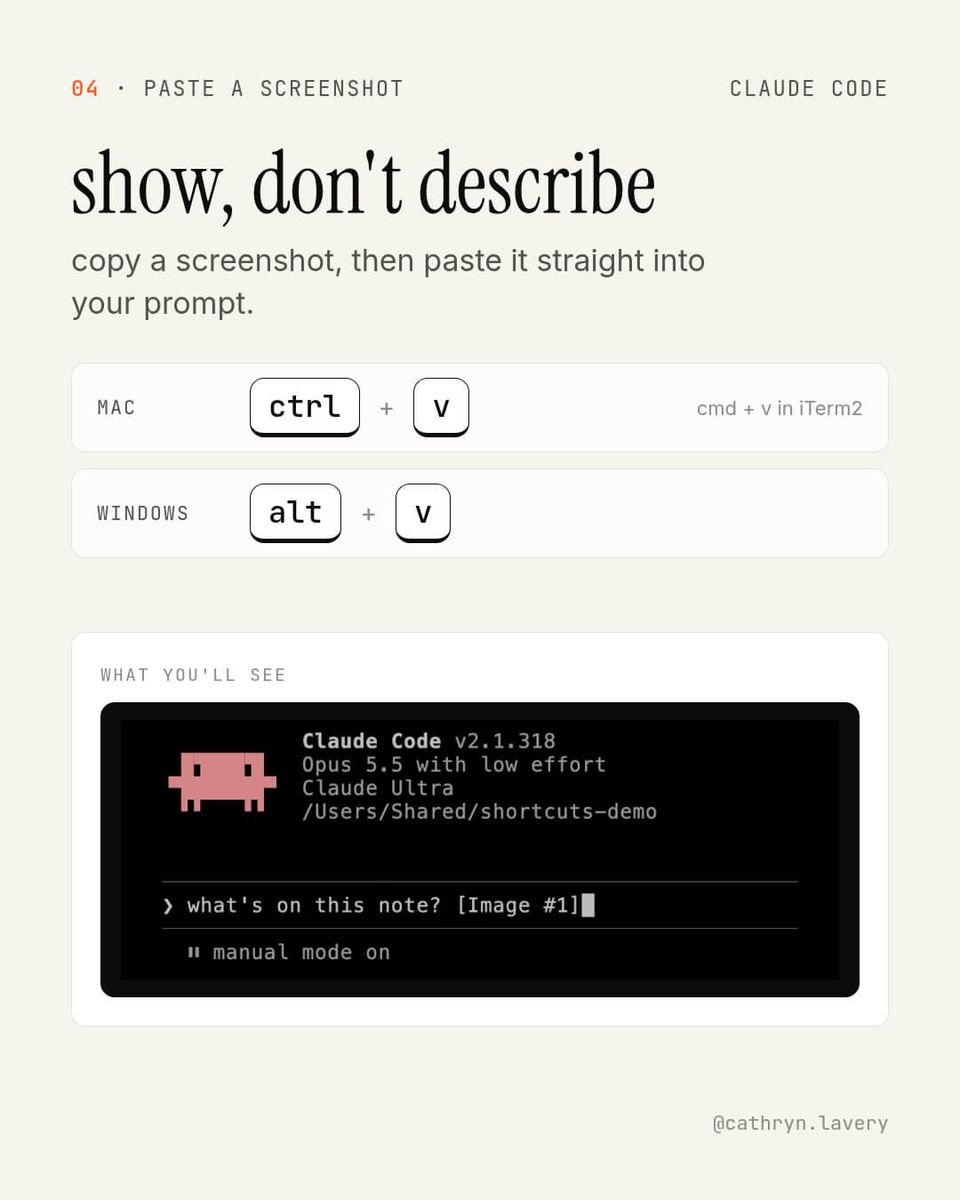
Show, don't describe
@ Picks a File From Your Project
Type @ and pick the file you mean from the list. Same on both platforms. If you want Claude to work faster in the terminal, pointing at exact files saves a lot of back and forth.
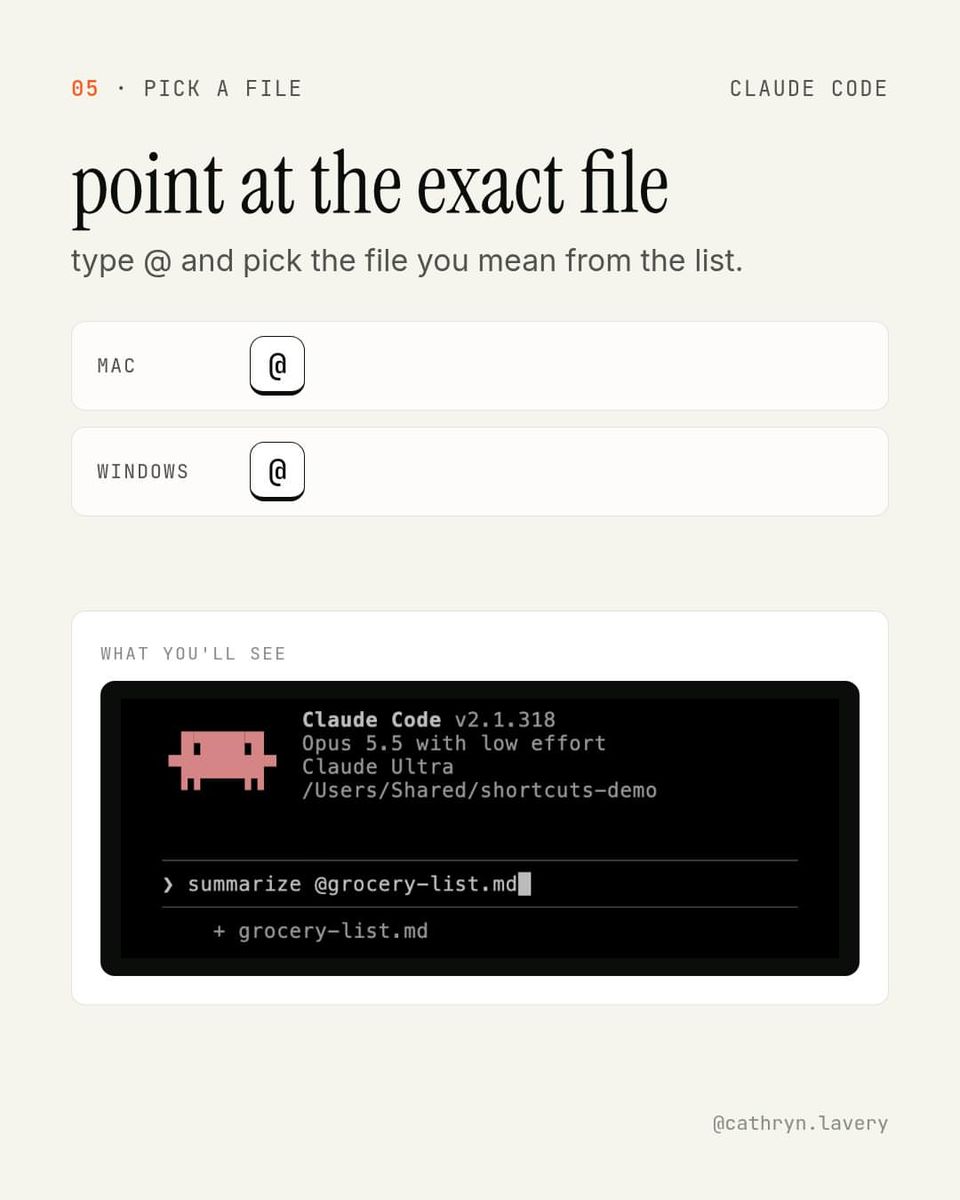
Point at the exact file you mean
Option+P Switches Models Mid-Prompt
Switch models without losing what you typed. On Mac it's option+p after one quick setting. On Windows, alt+p. You'll see a list of models with descriptions.
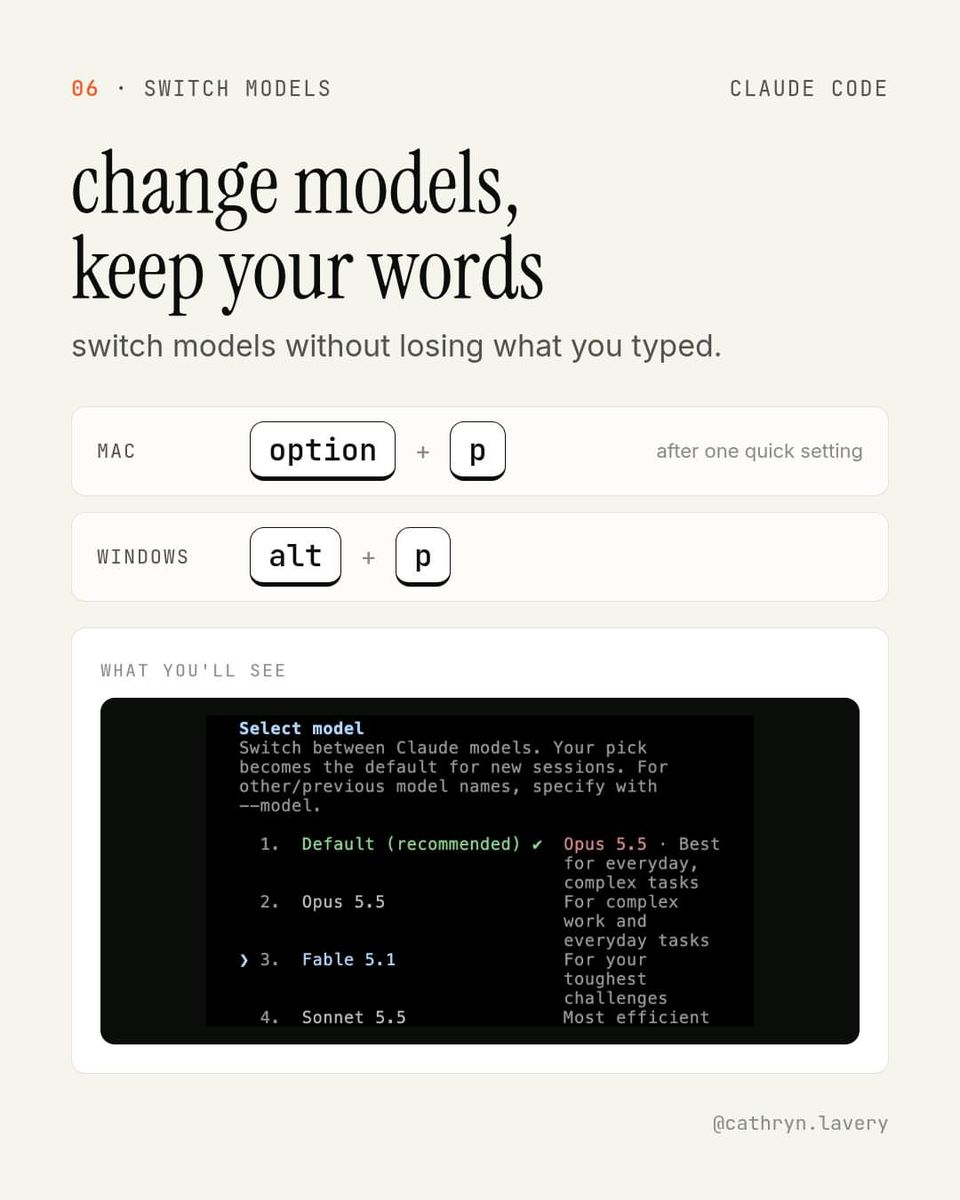
Change models and keep your words
Ctrl+S Parks a Half-Written Prompt
Puts your prompt aside and clears the box. Press it again on an empty prompt and it comes back. Same on both platforms.
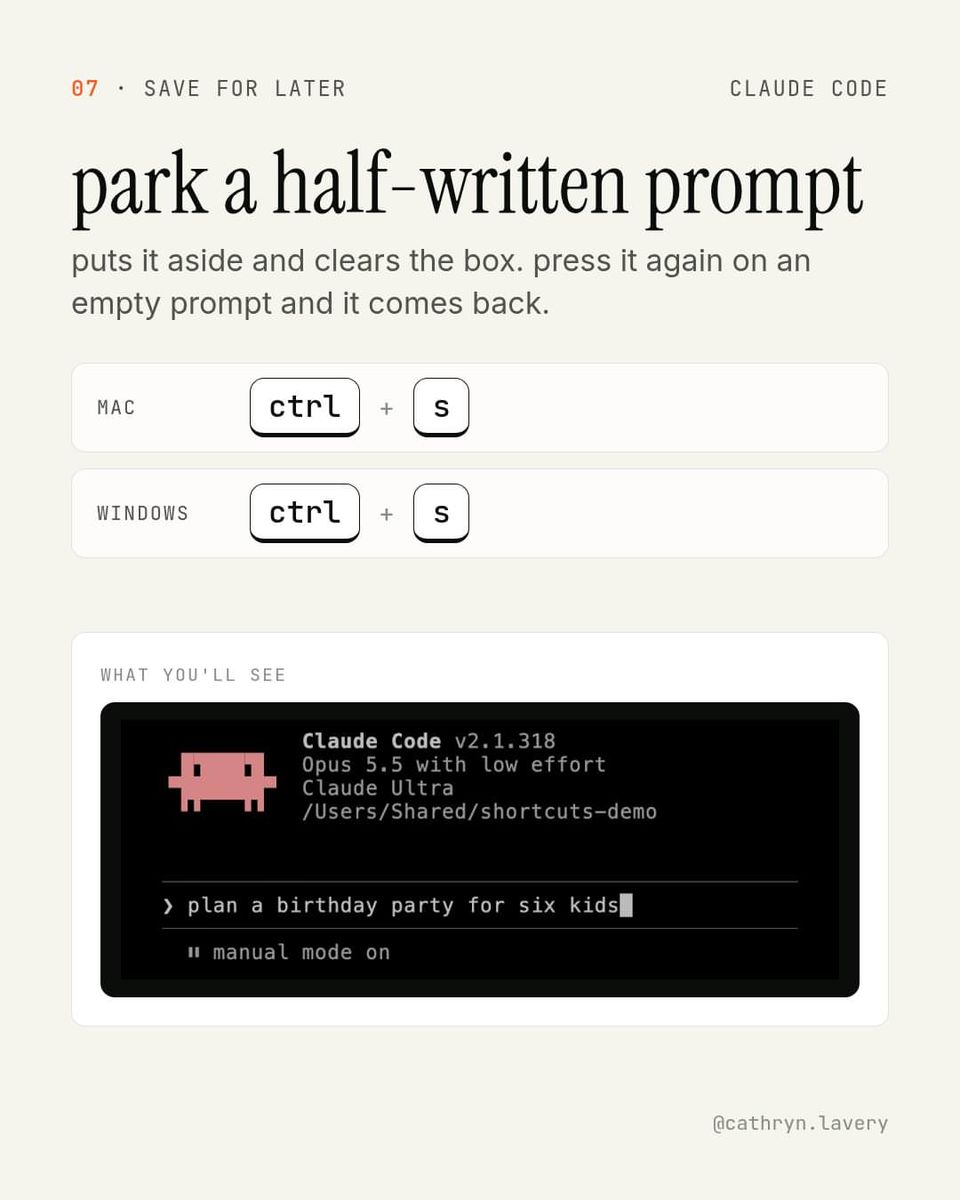
Park a half-written prompt and come back to it
Shift+Enter Adds a New Line
Start a new line without sending the message. Same on both platforms. This one's useful when you want to write more detailed prompts with lists or structure.
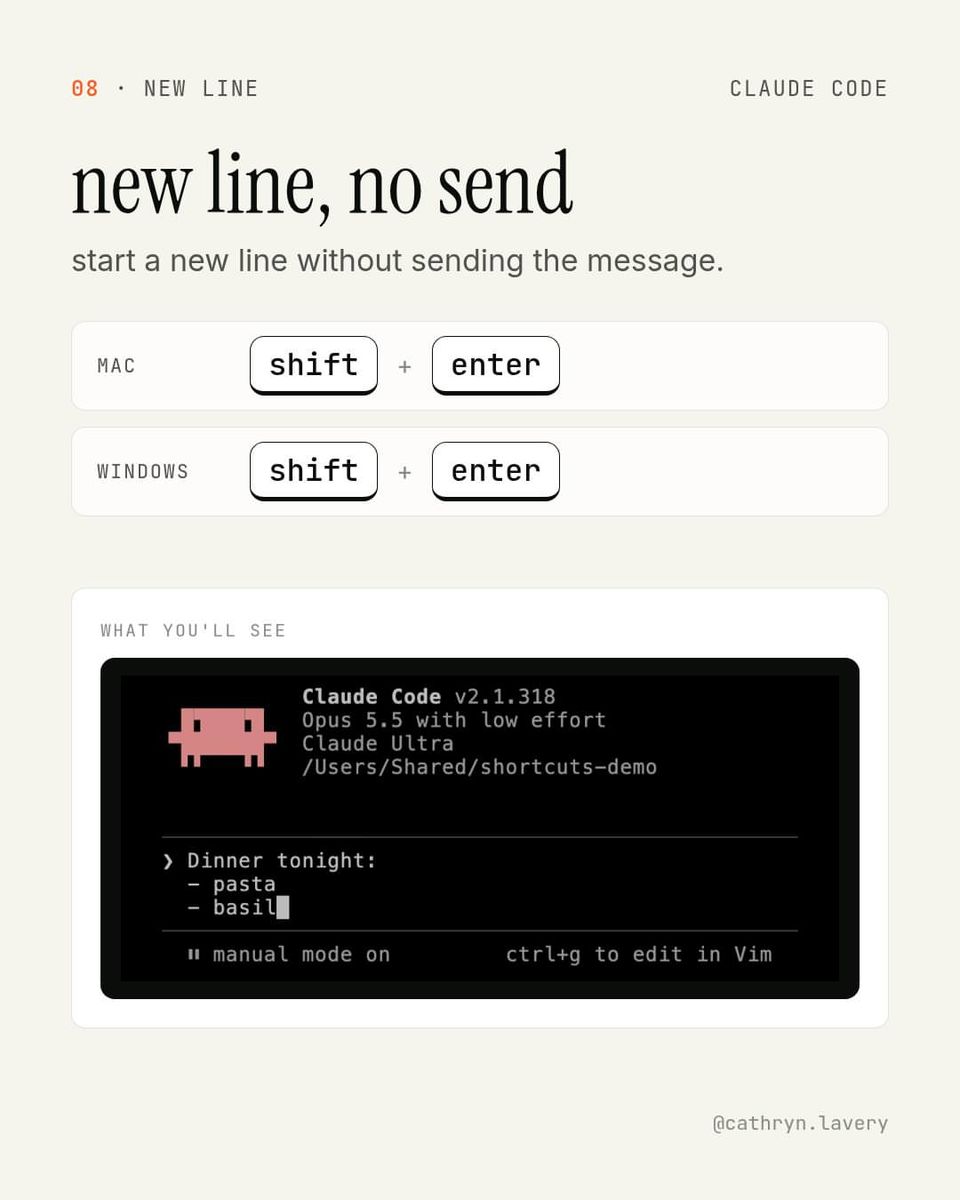
New line, no send
/btw Asks a Side Question
Ask something quick without derailing what Claude's working on. Same on both platforms.
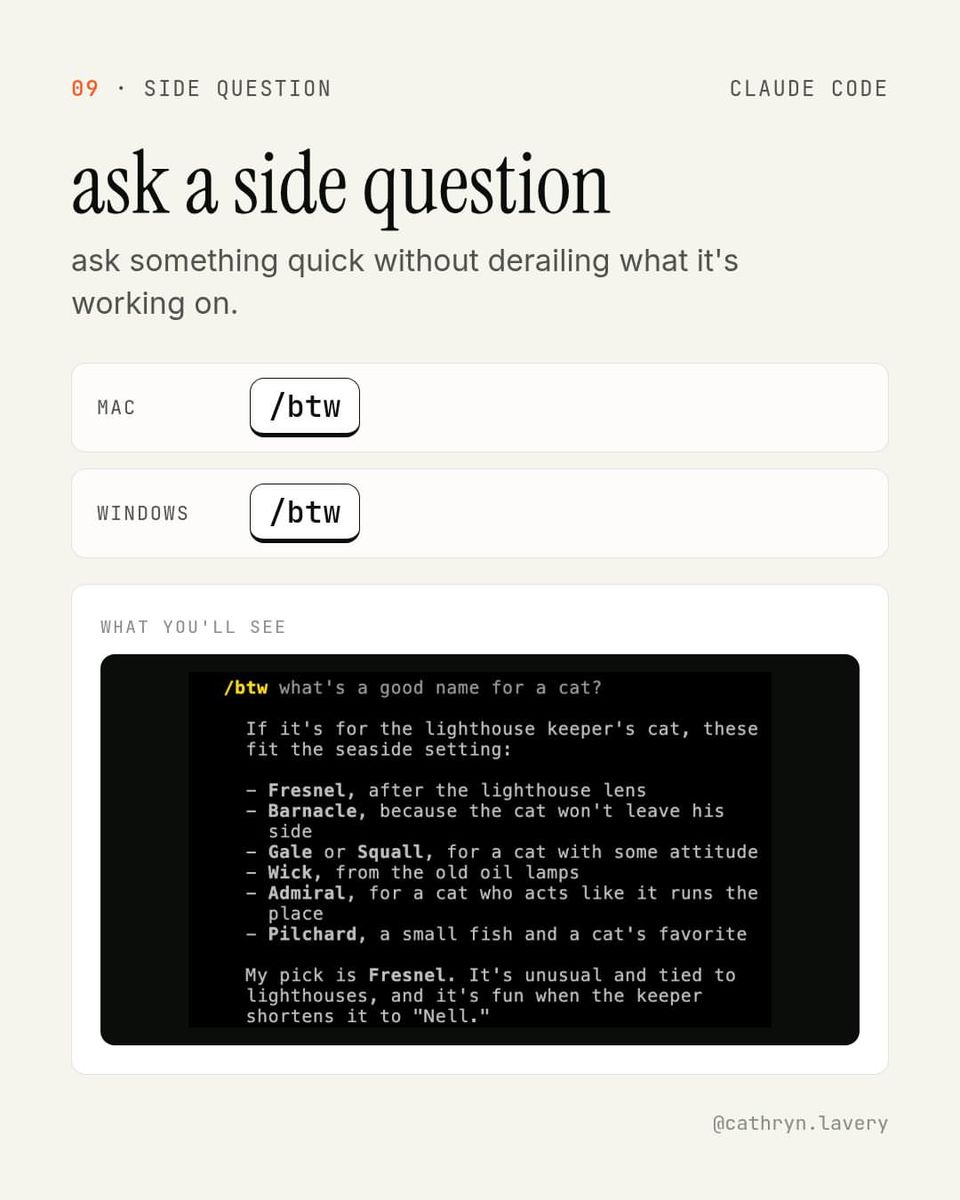
Ask a quick question without losing your place
? Shows Every Shortcut
Type ? on an empty prompt to open the full shortcut list.
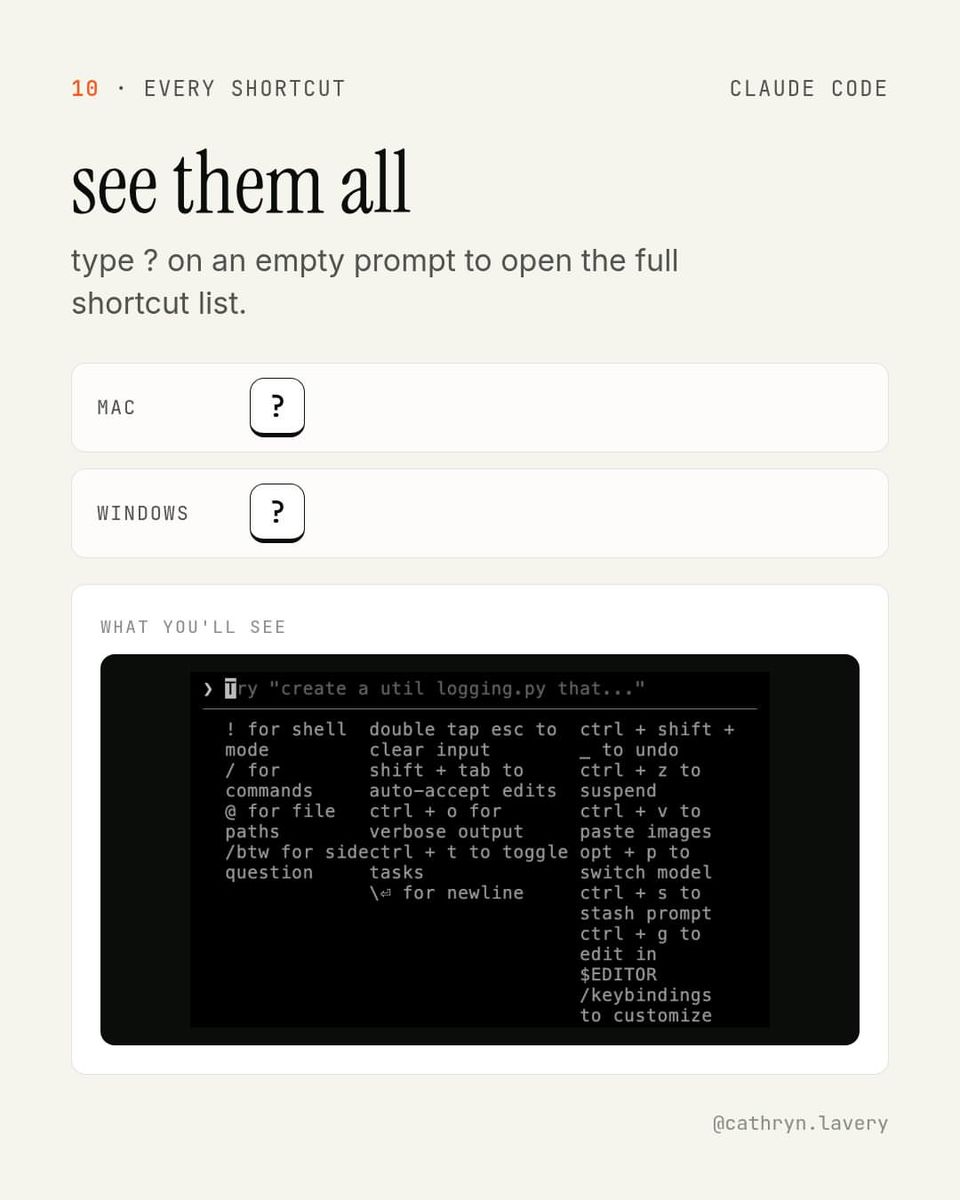
See them all in one place
Try One of These Today
These ten shortcuts cover plan mode, stopping, rewinding, pasting screenshots, picking files, switching models, parking prompts, adding new lines, side questions, and seeing every shortcut at once. The ones that save the most time are shift+tab for plan mode, esc esc for rewind, and @ for picking files.
Most people type everything out and wait for Claude to guess what they mean. These shortcuts let you stay in control without leaving your keyboard.
Which one are you trying first?